AdGuard Home: from web UI to client filtering
Outcome
Section titled “Outcome”- AdGuard Home owns OpenWrt port
53; the web UI is on3000. dnsmasqmoves to5353and keeps serving DHCP.- DHCP clients receive
192.168.2.1as DNS. - A custom filter rule blocks a test domain while normal names still resolve.
- The data disk, AGH config and filter survive a reboot.
Applicable environment and topology
Section titled “Applicable environment and topology”- PVE 9.2.2 single NIC; OpenWrt 25.12.6 x86_64 VM 201 (1GB RAM, 2GB data disk).
- WAN
net0onvmbr0(DHCP); LANnet1on an isolatedvmbr2(192.168.2.0/24). - AGH 0.107.79 from the OpenWrt
apkfeed. - Do not share one bridge between two OpenWrt VMs that both run DHCP: in this lab VM 200 is on
vmbr1(192.168.1.0/24), so VM 201 must usevmbr2(192.168.2.0/24). Otherwise a client may receive a lease from the wrong subnet.
| Physical port | PVE bridge | Virtual NIC | OpenWrt interface | Role |
|---|---|---|---|---|
| nic0 | vmbr0 | net0 | wan DHCP | upstream 192.168.50.1 |
| — | vmbr2 | net1 | lan 192.168.2.1 | AGH + DHCP clients |
Ports and responsibilities
Section titled “Ports and responsibilities”| Port | Component | Role |
|---|---|---|
| 53 | AdGuard Home | client DNS, filtering, upstream forwarding |
| 3000 | AdGuard Home | web UI |
| 5353 | dnsmasq | DHCP and local DNS; no longer on 53 |
Do not bind AGH and dnsmasq to 53 at the same time. Do not point DHCP option 6 at an address that is not listening on 53.
Before you change anything
Section titled “Before you change anything”cp /etc/config/dhcp /etc/config/dhcp.bak.$(date +%F)cp /etc/config/adguardhome /etc/config/adguardhome.bak.$(date +%F) 2>/dev/null || truecat /etc/config/dhcpKeep console or LAN access to OpenWrt. Do not make the only management path depend on the DNS you are changing.
ExpectedYou can restore dnsmasq/AGH configuration.
Minimal steps
Section titled “Minimal steps”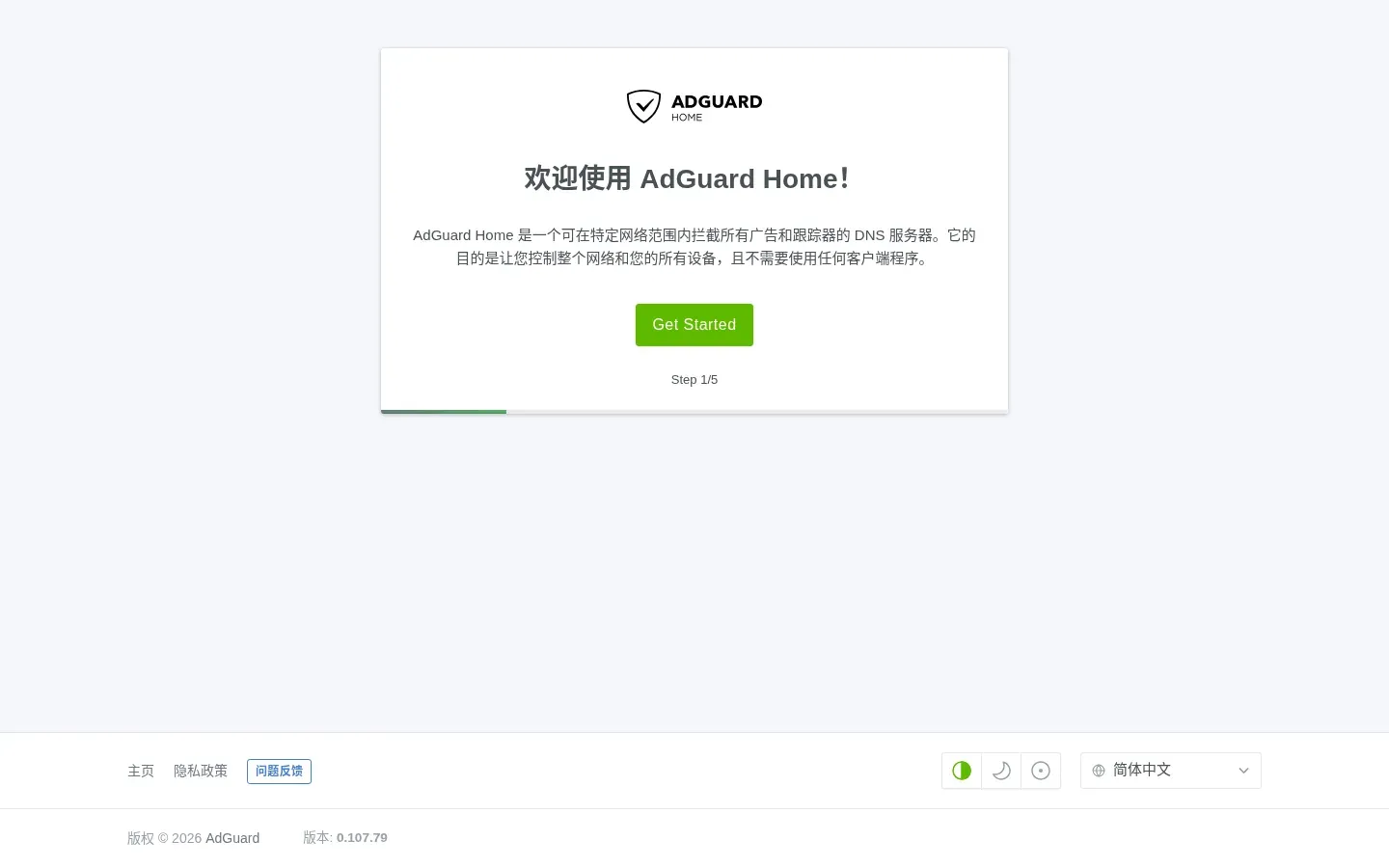
apk updateapk add adguardhome block-mount e2fsprogse2fsprogs provides mkfs.ext4; block-mount provides the fstab service. A local OpenWrt mirror is fine, but packages must still pass signature checks.
Expectedadguardhome, block-mount and e2fsprogs are installed.
Only run this on a lab data disk you have confirmed is empty:
mkfs.ext4 -F /dev/sdbmkdir -p /opt/aghmount /dev/sdb /opt/aghblock info /dev/sdbUse the UUID printed by block info. In LuCI Mount Points, set that disk’s target to /opt/agh and enable it; or find the matching @mount[n] from the CLI:
uci show fstab# find the @mount[n] whose uuid is <your-UUID>uci set fstab.@mount[n].target='/opt/agh'uci set fstab.@mount[n].enabled='1'uci commit fstab/etc/init.d/fstab enableblock mountmount | grep /opt/aghThis lab used the auto-detected fstab.@mount[2] for the 2GB data disk; changing its target to /opt/agh and enabling it worked. Do not copy [2]; match your UUID.
Expected/opt/agh is on a separate disk and survives reboot.
uci set dhcp.@dnsmasq[0].port='5353'uci commit dhcp/etc/init.d/dnsmasq restartnetstat -lnp | grep -E ':53|:5353'Clients cannot resolve on 53 until AGH starts.
ExpectedPort 53 is free and DHCP still works.
uci set adguardhome.config.work_dir='/opt/agh/work'uci commit adguardhomemkdir -p /opt/agh/workchown -R adguardhome:adguardhome /opt/agh /etc/adguardhome/etc/init.d/adguardhome enable/etc/init.d/adguardhome startsleep 3netstat -lnp | grep -E ':3000|:53'Open http://192.168.2.1:3000/ and set:
- web port
3000; - DNS port
53; - an admin username/password;
- upstream DNS
192.168.50.1for this lab; - disable DNSSEC if the upstream does not validate it.
If you have no browser, use the AGH setup API; never commit the admin password.
ExpectedThe web UI is reachable on 3000.
uci add_list dhcp.lan.dhcp_option='6,192.168.2.1'uci commit dhcp/etc/init.d/dnsmasq restartuci show dhcp.lan | grep dhcp_optionChanging the dnsmasq port alone may stop some clients from receiving DNS; set option 6 explicitly.
ExpectedClients receive 192.168.2.1 as DNS.
In Filters → Custom filtering rules add:
||blocked.example^This is a reserved test domain. Add maintained filter lists later for real use. Verify with nslookup, not by “the page looks broken”.
Expectedblocked.example returns 0.0.0.0; normal names still resolve.
Verification
Section titled “Verification”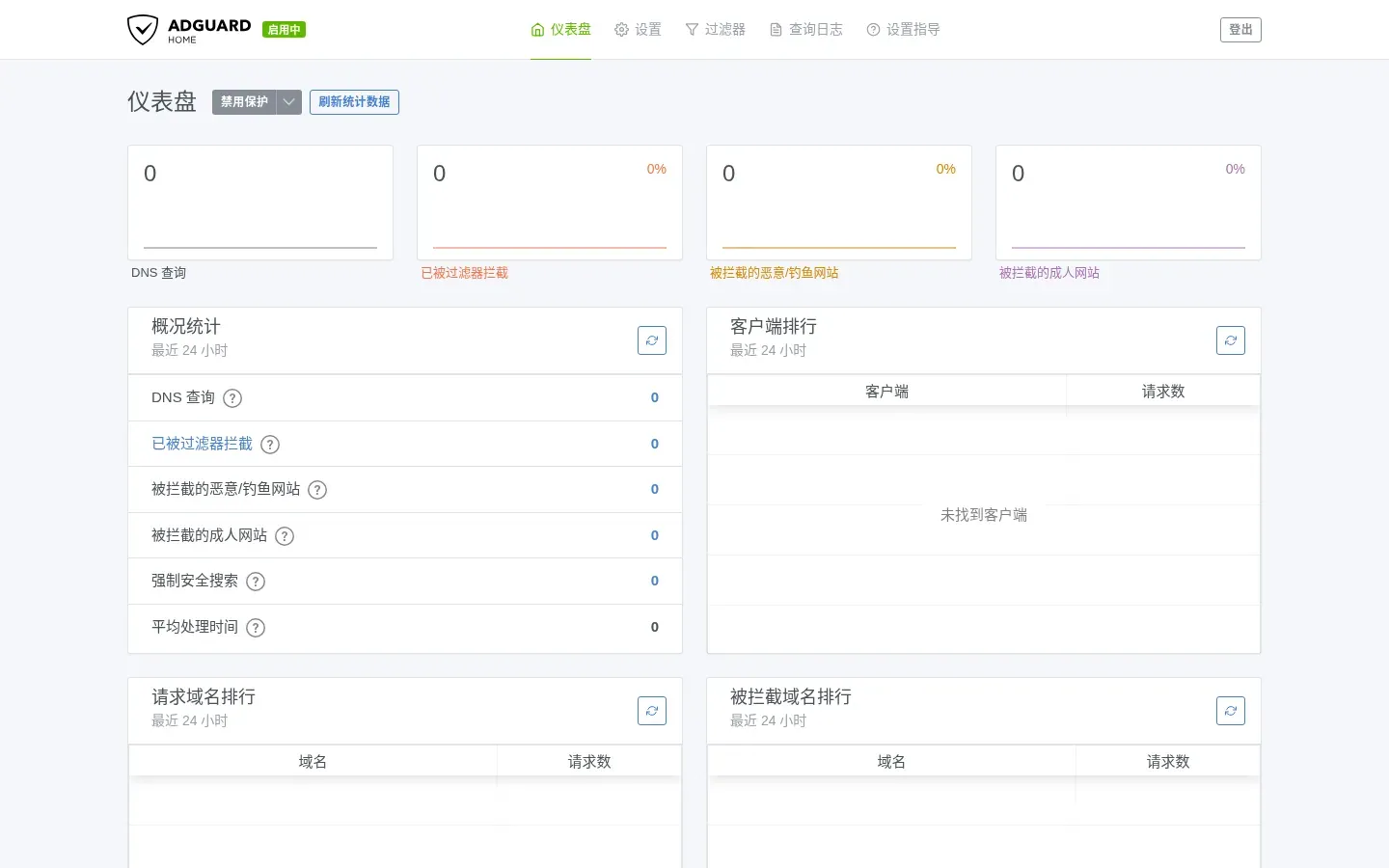
netstat -lnp | grep -E ':53|:3000|:5353'nslookup blocked.example 192.168.2.1nslookup openwrt.org 192.168.2.1Expected: blocked.example returns 0.0.0.0 (IPv6 may also show ::); openwrt.org returns a real address.
ExpectedAGH listens on 53/3000; dnsmasq on 5353.
ip addr showip routecat /etc/resolv.confnslookup blocked.examplenslookup openwrt.orgIf the client DNS is not 192.168.2.1, go back to DHCP option 6 and the dnsmasq port.
ExpectedThe client gets 192.168.2.x and DNS 192.168.2.1.
rebootAfter reboot:
mount | grep /opt/aghnetstat -lnp | grep -E ':53|:3000'nslookup blocked.example 192.168.2.1nslookup openwrt.org 192.168.2.1ExpectedThe data disk mounts, AGH starts, and the rule survives.
Failure branches and recovery
Section titled “Failure branches and recovery”AGH does not start / port 53 is busy
Section titled “AGH does not start / port 53 is busy”logread | grep -i adguard | tail -50netstat -lnp | grep ':53'/usr/bin/AdGuardHome --check-config -c /etc/adguardhome/adguardhome.yamlIf dnsmasq still owns 53, confirm dhcp.@dnsmasq[0].port='5353'. For a bad config, restore the backup:
cp /etc/adguardhome/adguardhome.bak.YYYY-MM-DD /etc/adguardhome/adguardhome.yaml/etc/init.d/adguardhome restartClients cannot resolve at all
Section titled “Clients cannot resolve at all”Temporarily return DNS to dnsmasq:
uci set dhcp.@dnsmasq[0].port='53'uci -q delete dhcp.lan.dhcp_optionuci commit dhcp/etc/init.d/dnsmasq restart/etc/init.d/adguardhome stopRestore basic resolution first, then debug AGH one layer at a time.
The data disk is not mounted
Section titled “The data disk is not mounted”mount | grep /opt/aghblock info /dev/sdblogread | grep -i fstabCheck the fstab UUID, target and enabled flag; mount manually, then restart AGH.
Filtering does not work
Section titled “Filtering does not work”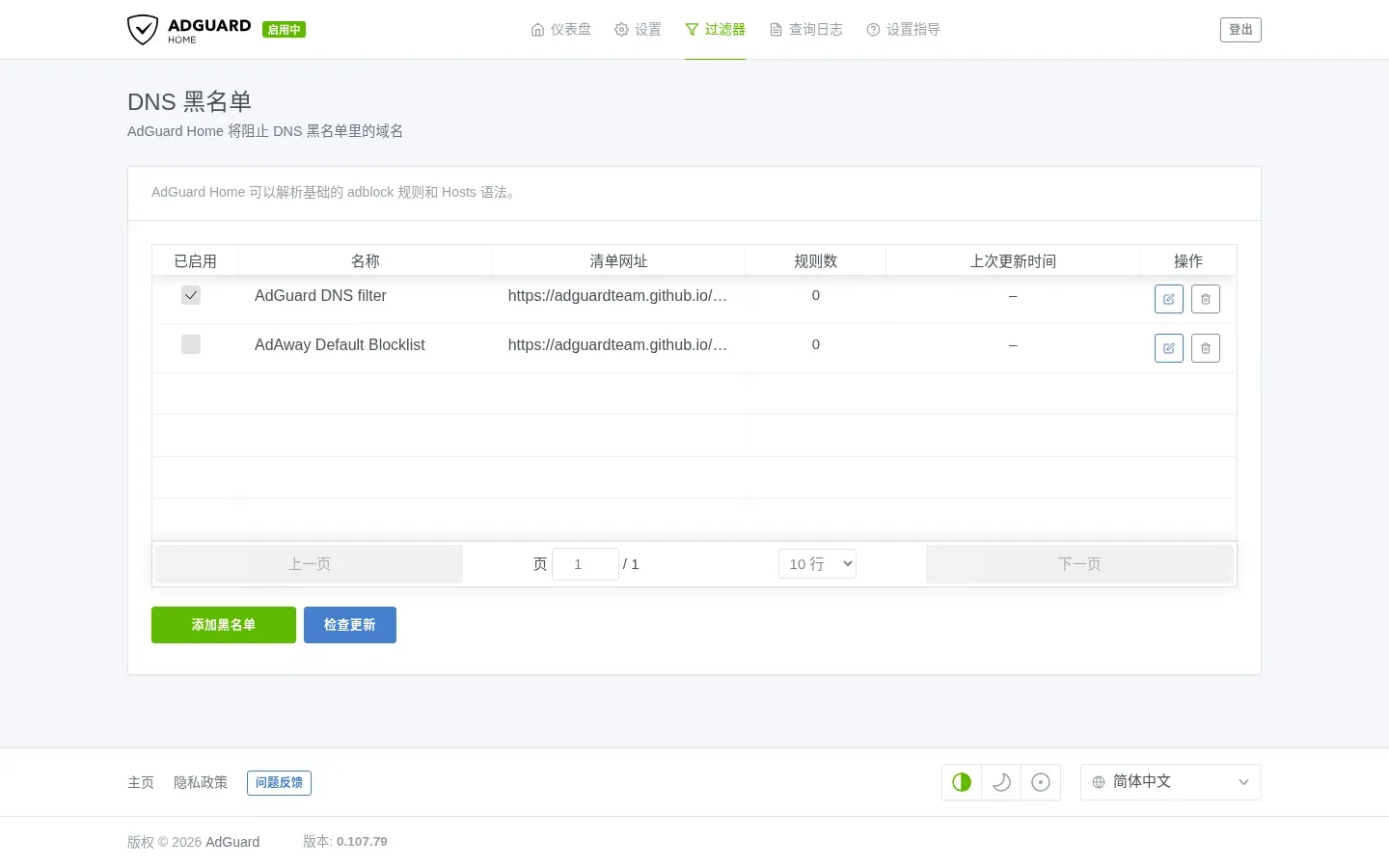
- Confirm the client actually uses AGH as DNS.
- Confirm the rule is under Custom filtering rules, not a subscription.
- Query AGH directly:
nslookup blocked.example 192.168.2.1. - Browser or OS DoH can bypass AGH.
E2 lab run (2026-10-20)
Section titled “E2 lab run (2026-10-20)”- Environment: PVE 9.2.2 single NIC; OpenWrt 25.12.6 VM 201 (1GB/2GB data disk); AGH 0.107.79.
- Ports: AGH
53+ web3000; dnsmasq5353; DHCP option 6192.168.2.1. - Client: DHCP
192.168.2.166/24, DNS192.168.2.1;blocked.example→0.0.0.0,openwrt.org→64.226.122.113. - Reboot:
/opt/aghmounted via fstab; AGH, dnsmasq and filtering rules recovered; web returned 302. - Not tested: real browser UI interaction, external subscription lists, physical LAN clients, IPv6, long-run stability.
Sources and review
Section titled “Sources and review”- This is an E2 lab record; it has not been independently reviewed or tested on a physical LAN.
- Recipe:
tests/recipes/agh-25.12-vm201.md; environment notes:docs/agh-e2-run.md. - Update
testedVersionswhen the package/version changes; do not copy init scripts across firmware versions.
Sources
Independent OpenWrt notes. Every page states the firmware, device, package manager and way back.
Icons: Solar by 480 Design, CC BY 4.0